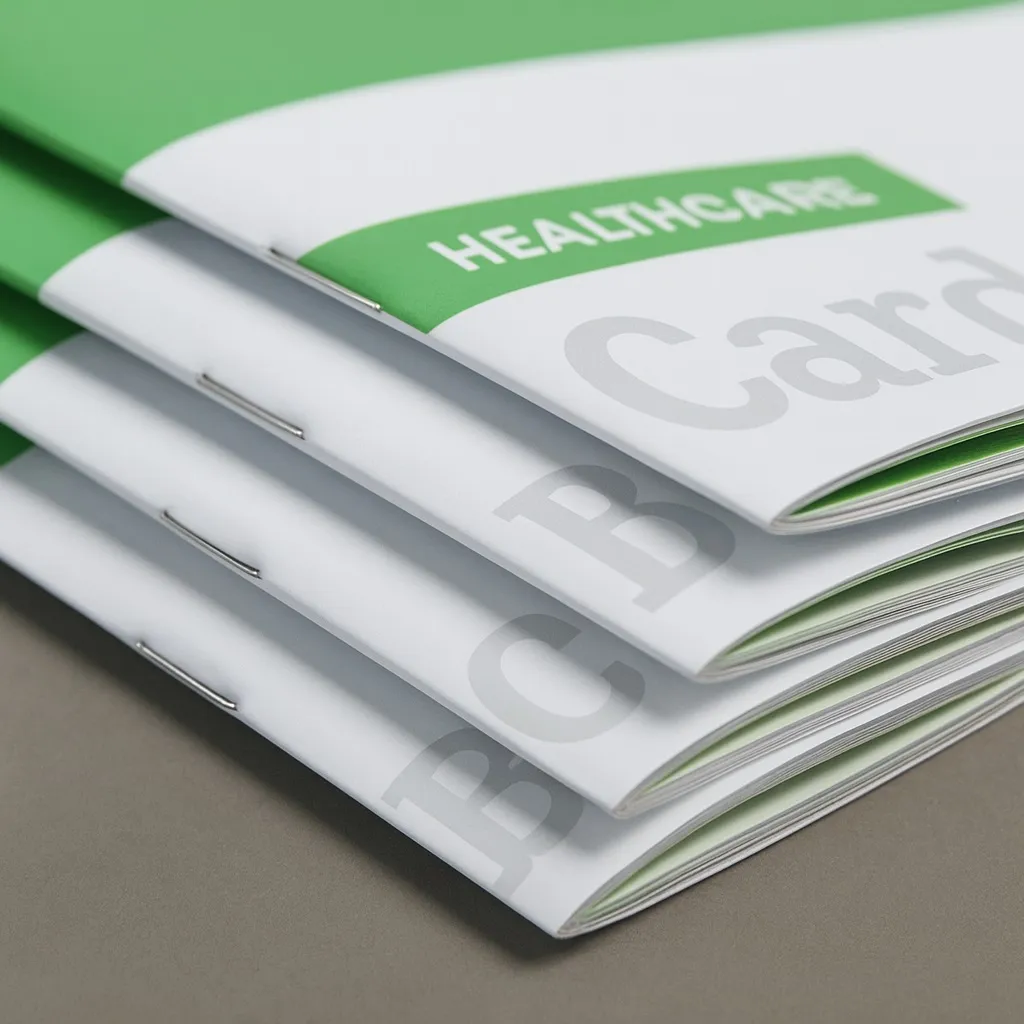
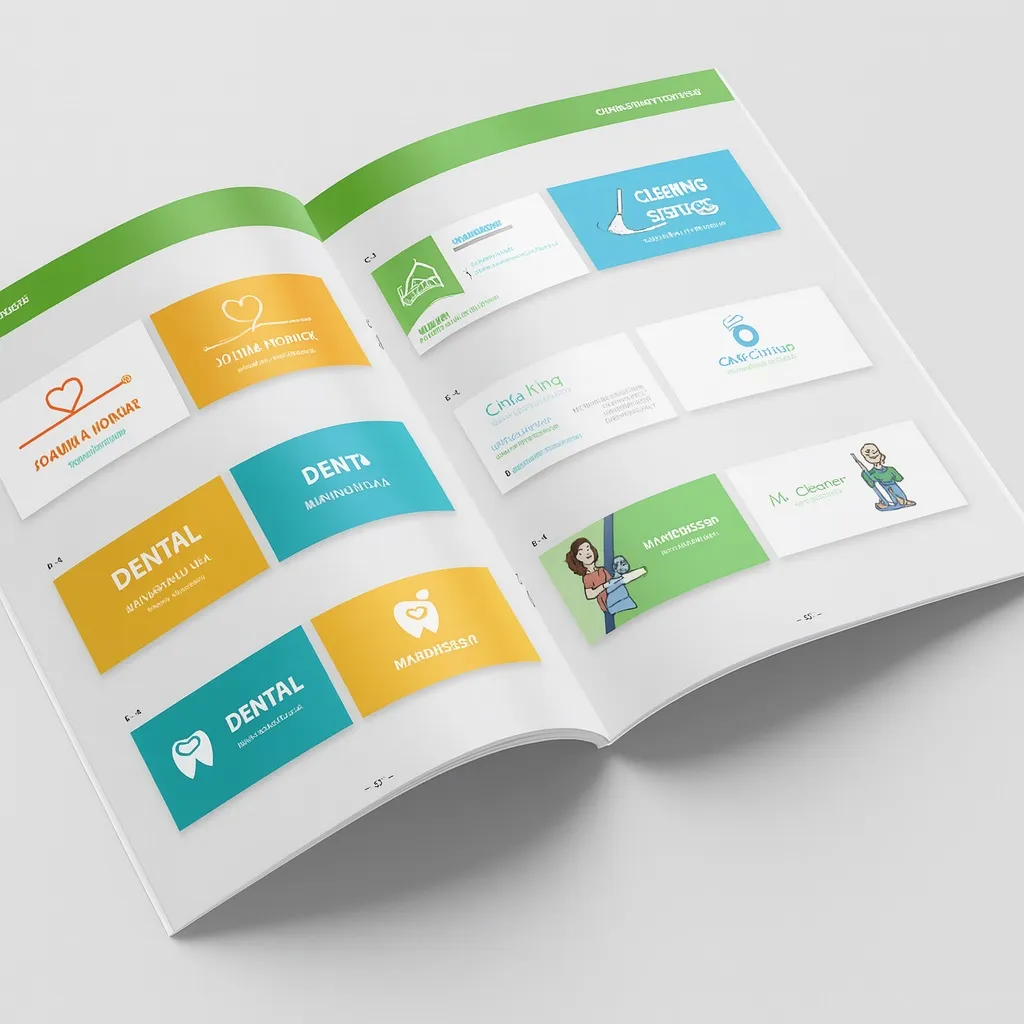
Saddle-stitched brochure and catalogue printing
Use this calculator to price and order saddle-stitched brochures, catalogues, price lists, instruction manuals, event programmes, multi-page menus and lookbooks, bound with two staples through the spine. We print digitally from 1 copy, in any size from A6 to A4.
- Paper for inner pages and cover: gloss or matt coated 130–300 g, offset, satin, fine papers and eco cotton paper.
- Lamination: gloss, matt, scratch-resistant matt or soft touch (coated paper from 200 g).
- Flat staples or loop staples for filing in a ring binder.
- Several designs in one order, for example language versions of a catalogue in different quantities.
- Production from 1 working day, express for orders placed by 11:00.
Perfect-bound catalogue
Thicker catalogues and price lists with a glued spine can be ordered in the perfect-bound softcover calculator. Inner pages are then printed on uncoated offset or satin paper, which works well for technical catalogues, price lists and manuals.
How much does brochure printing cost?
The price depends on size, page count, paper, lamination and quantity. The larger the run, the lower the price per copy. The calculator shows the exact price for your configuration instantly.
How to order
1. Finished size
Enter width and height in millimetres, from A6 to A4 portrait. You choose the binding edge at the end. Landscape A4 is quoted on request.
2. Inner pages
Choose the paper and the number of inner pages: at least 4, always a multiple of 4. The calculator works out the maximum page count from the paper thickness.
3. Cover
The cover is configured separately, even if it uses the same paper as the inner pages. It can be printed on the outside only or on both sides, with or without lamination.
4. Staples and binding edge
Flat staples are standard. Loop staples let you file the brochure in a ring binder. You also choose whether we bind the short or the long edge.
5. Quantity and designs
We accept orders from 1 copy. Several designs with the same parameters can be combined in one order.
6. Price and templates
The price appears on the right. The star next to it saves the quote in your customer account. Together with the quote we generate cover and inner page templates with bleed, trim line and safety margin.
Production time
Usually from 1 working day after we receive correct files, 2 working days for larger runs. Express is available in the basket for orders placed by 11:00.

